
The firefighter’s duty and field assistant
From shift to incident,one app.
Plan your shifts, read the UN code on a hazard plate with your camera, hand over your station’s inventory and stay in touch with your crew. For firefighters, search and rescue teams and shift workers.
- 4.9 App Store · 97 ratings
- 5.0 Google Play
- 8,000+ downloads
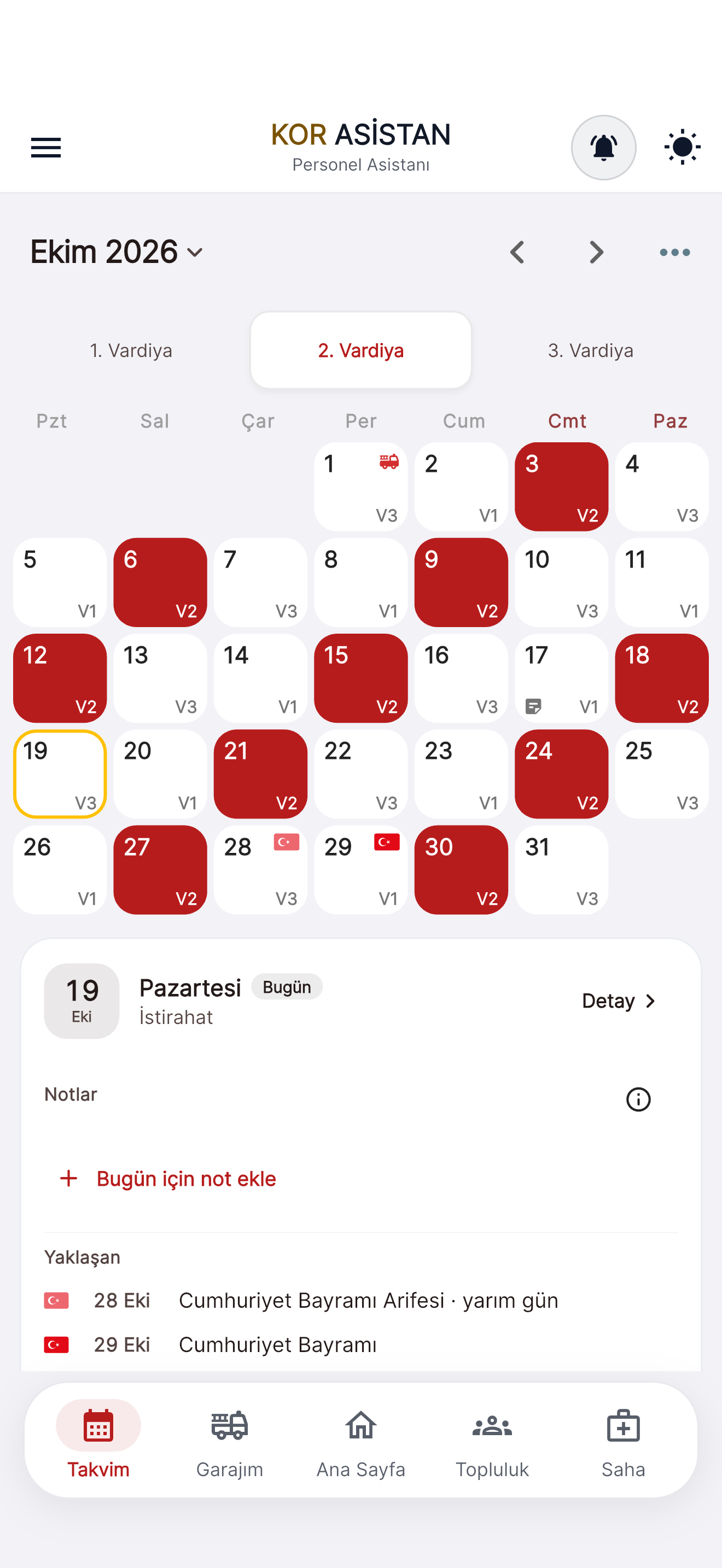
See your shift pattern now
Choose your shift system, your group and a day you know you were on duty. The calculation is the same as the app’s shift engine.
Always follow your organisation’s official roster.
One shift, start to finish
Try the app across a whole shift.
From the morning alarm to the night shift, see what KOR Asistan does at each moment. The screens come from the app itself.
Wake-up1 / 10
Wake up around your shift.
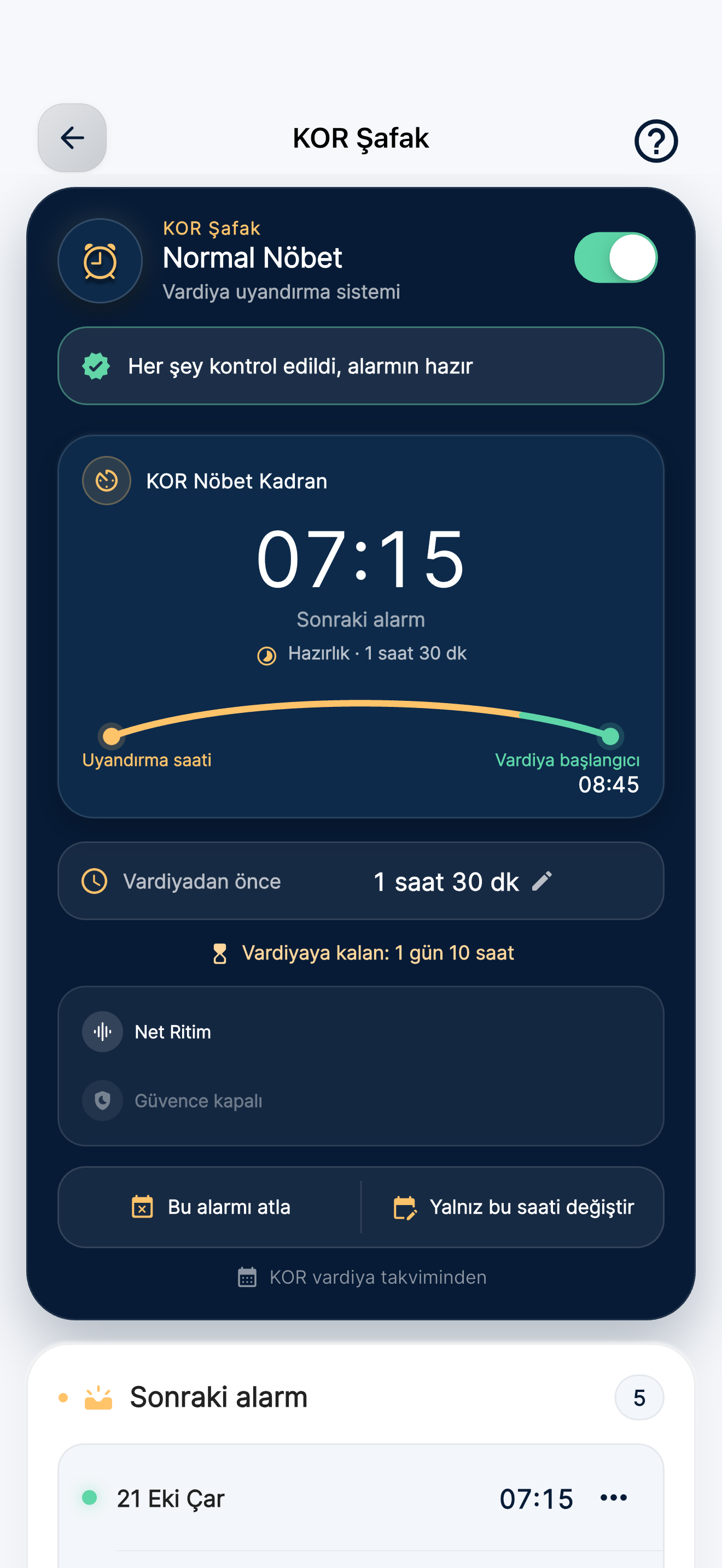
KOR Şafak sets your wake-up time from your shift start and your preparation time. The Normal Duty alarm is free. Extra profiles, custom sounds, smart preparation and alarm assurance are part of Premium.
Wake-upAlarmKit features require iOS/iPadOS 26 or later. Notification mode on earlier versions is limited. Behaviour depends on device support and the required permissions.
Shift handover2 / 10
Spot what’s missing before you take over.
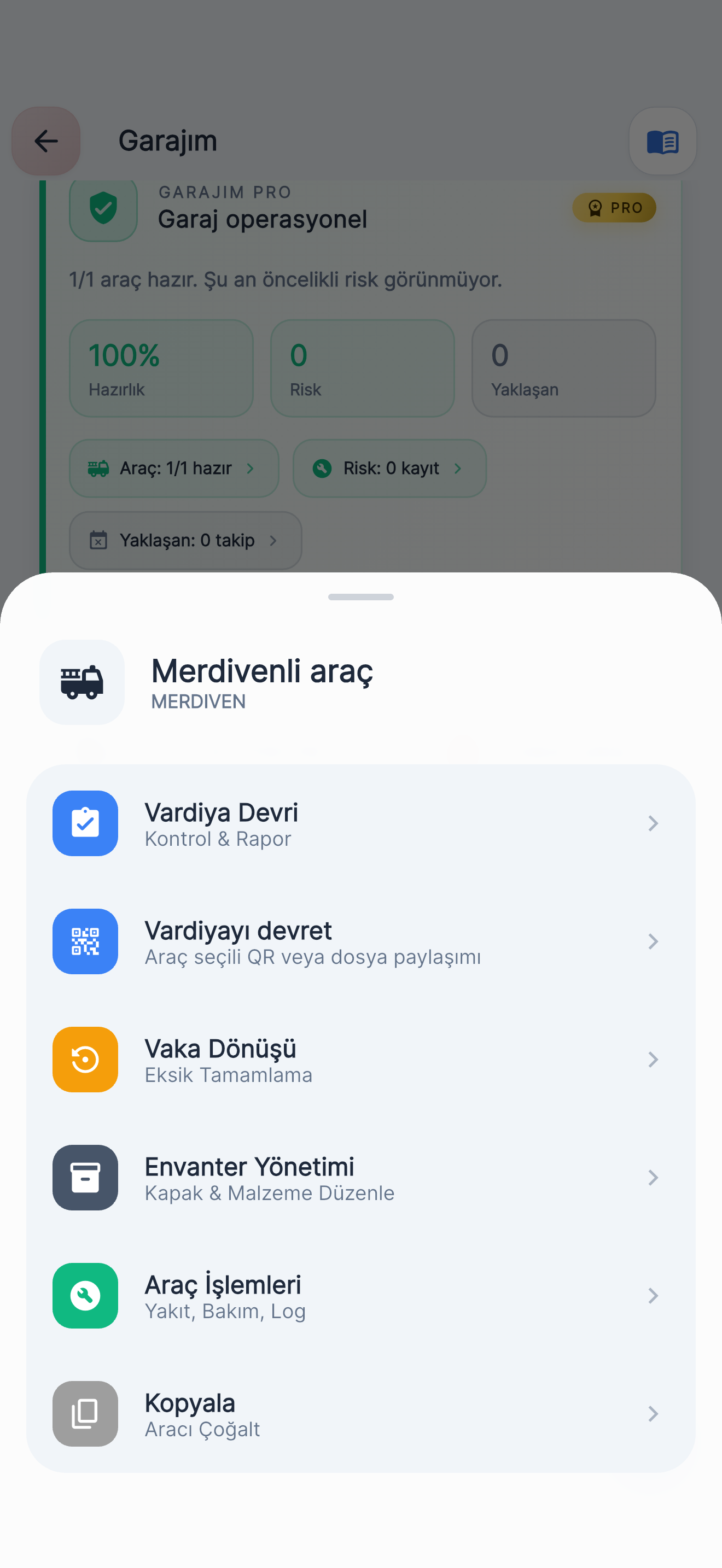
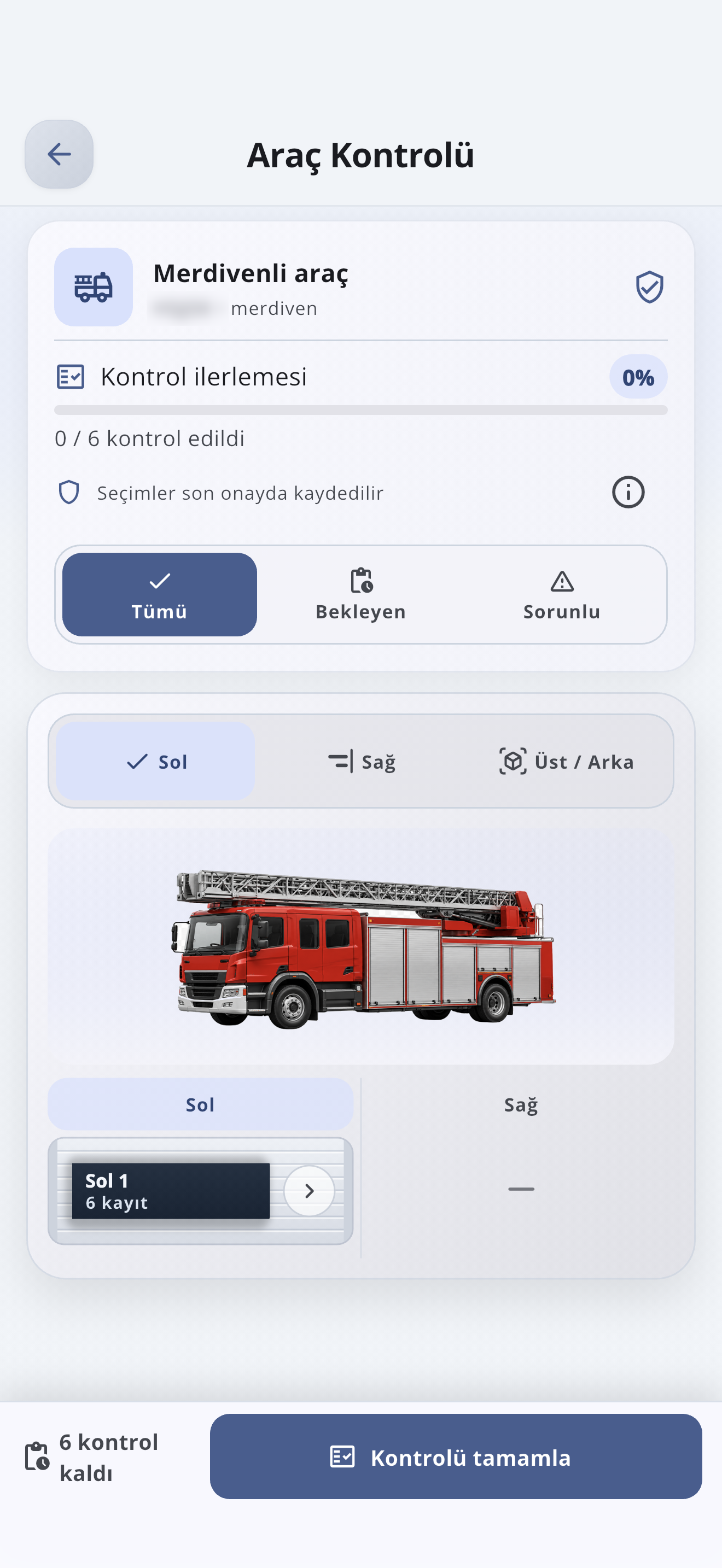
Start Shift Handover from the vehicle menu; hand over the shift by QR code or file.
With Shift Handover, work through the vehicle checklist step by step; flag missing or faulty equipment and get the report. When you hand over the shift, transfer the vehicle to another phone by QR code or file.
PRO My Garage Pro: readiness score, vehicle risk summary and 20 setup packages a month.
Inventory3 / 10
Every compartment, every item in its place.
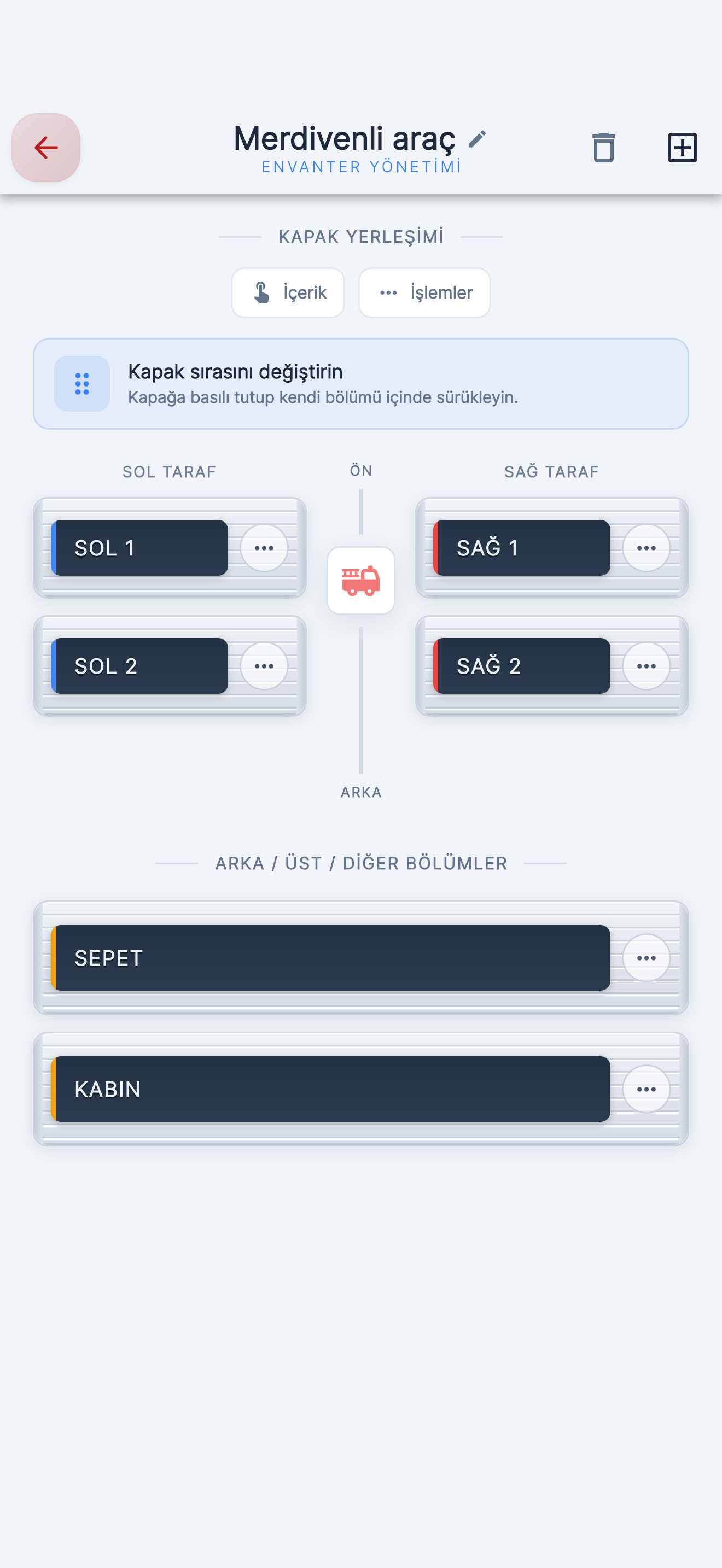
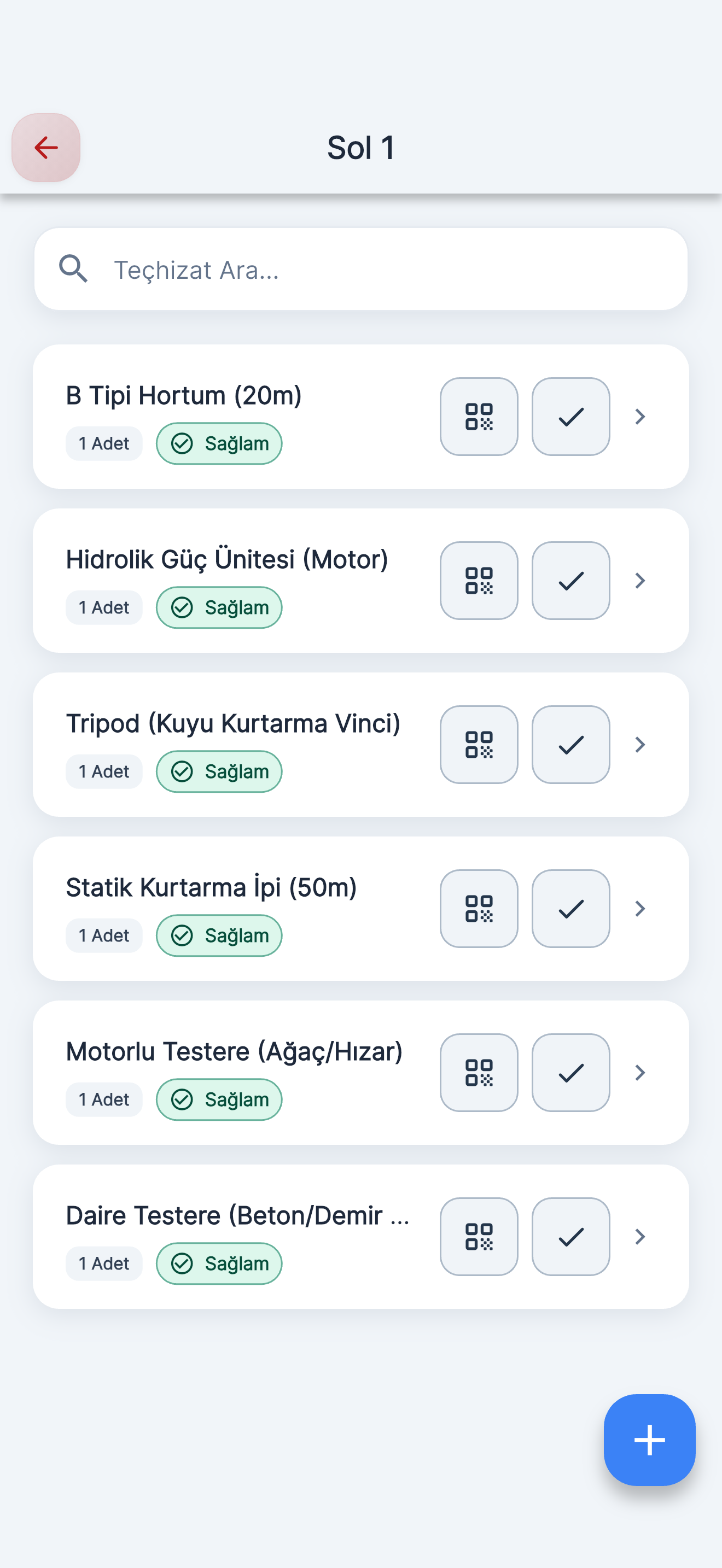
Set up the left, right, basket and cab sections exactly as on the vehicle; drag to change the compartment order.
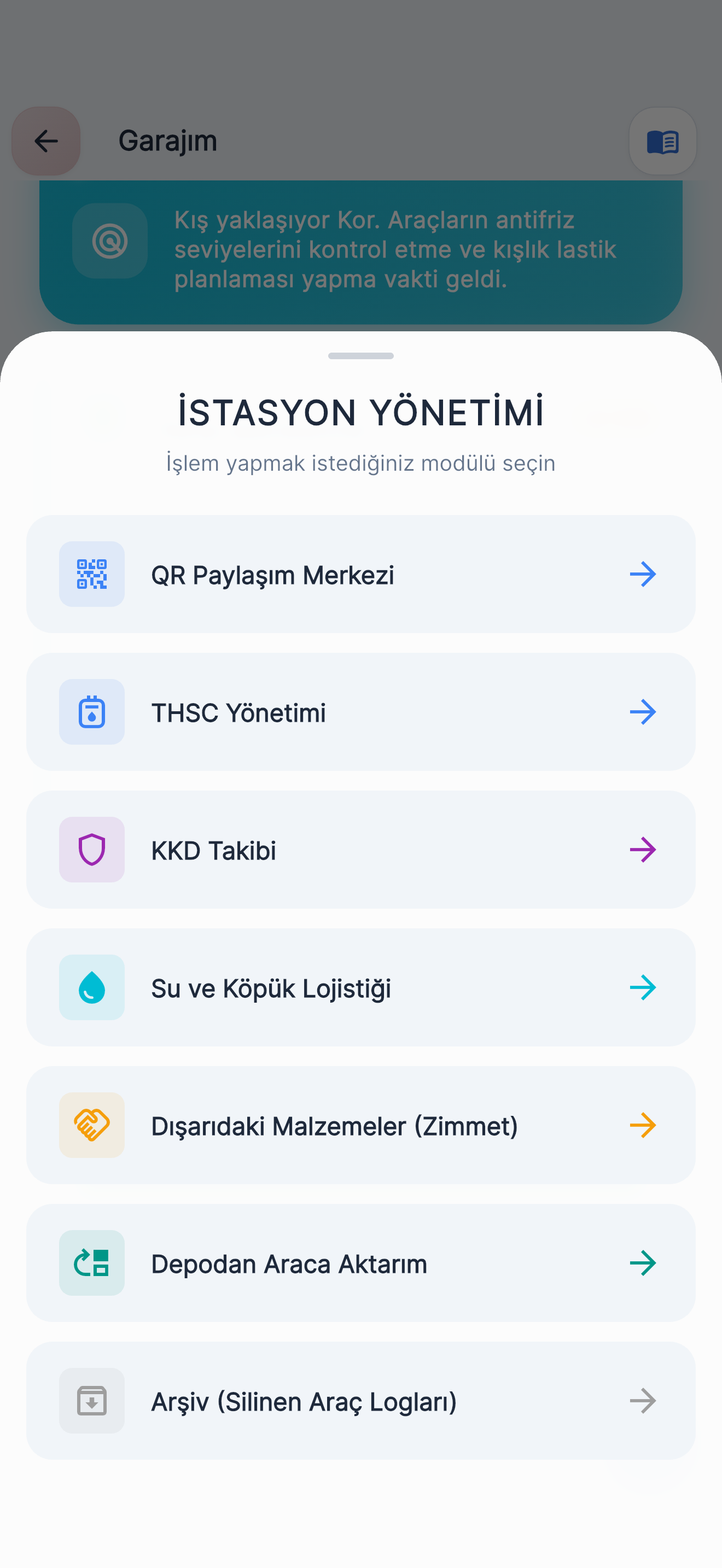
Rebuild your vehicle’s compartment layout in the app exactly as it is: left, right, basket, cab. Add the equipment in each compartment with quantities, mark its condition and find it by QR code. Fire Station Management covers PPE tracking, water and foam logistics, equipment out on loan and transfers from the store to a vehicle.
Crew4 / 10
In the same place as your colleagues.
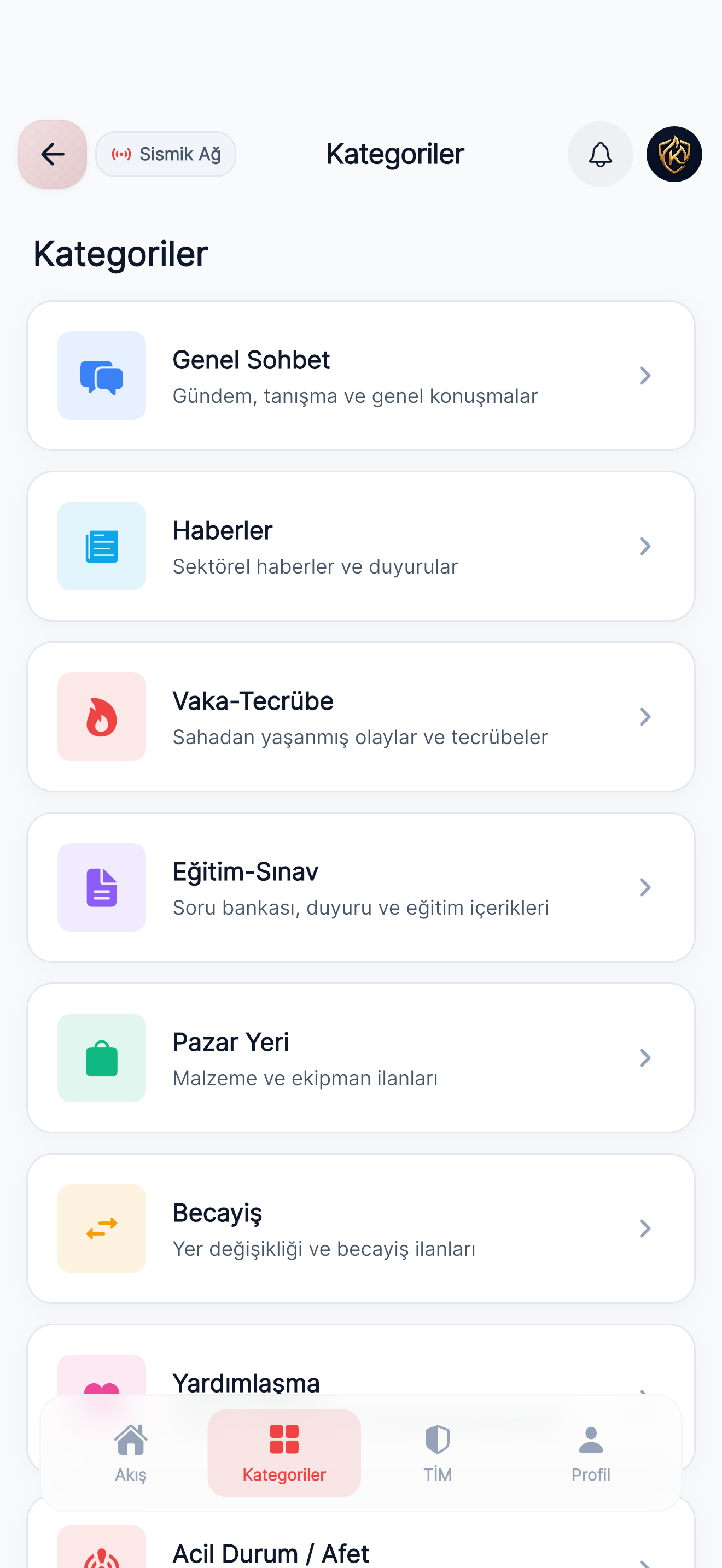
Share knowledge and experience in KOR Community, with ready-made categories for news, incident experience, training and exams, a marketplace, shift swaps and mutual aid. Follow task and status notifications in TİM and check recent records in Earthquakes.
When permission and a location are available, the last location at the time of a TİM notification is shared; there is no continuous tracking.
Call-out · tanker leak5 / 10
Read the plate, know the substance.
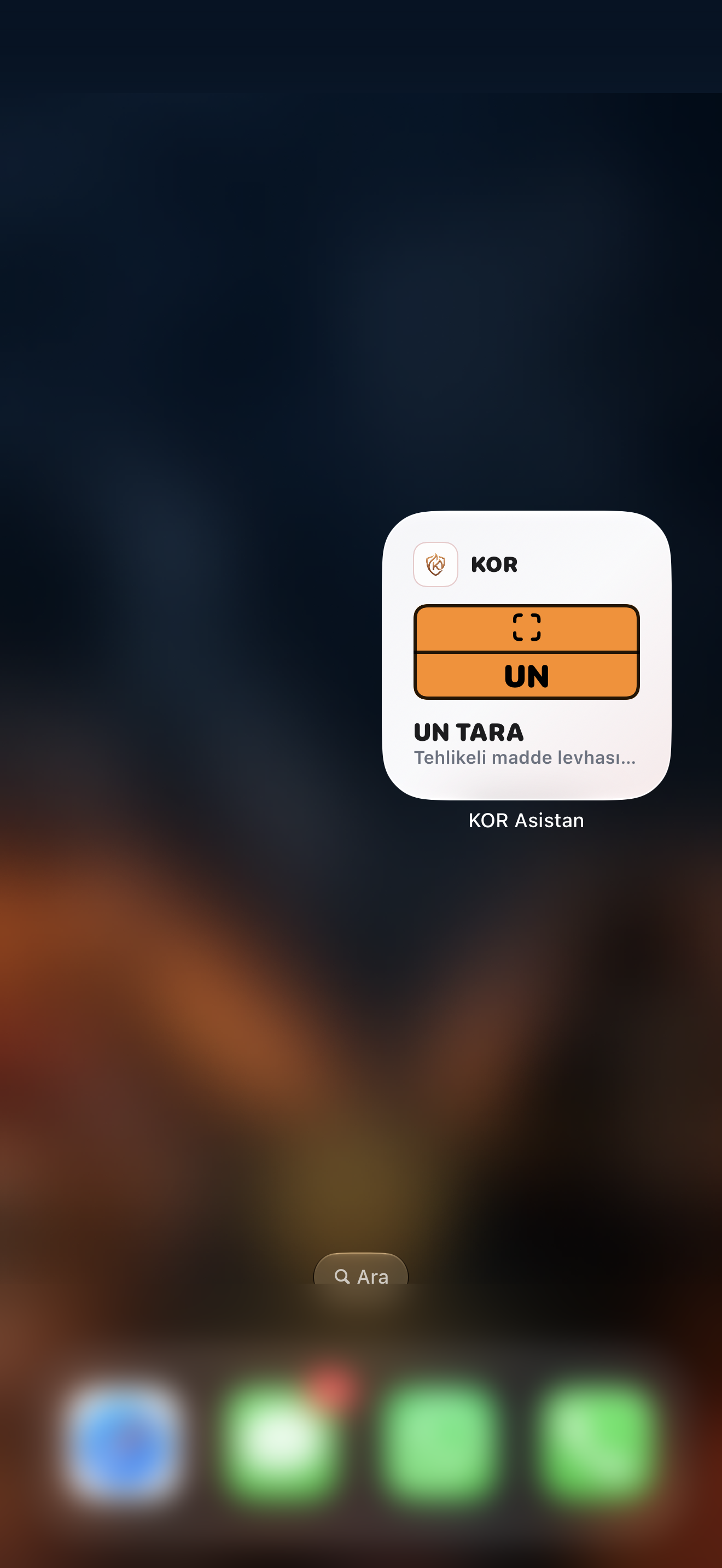
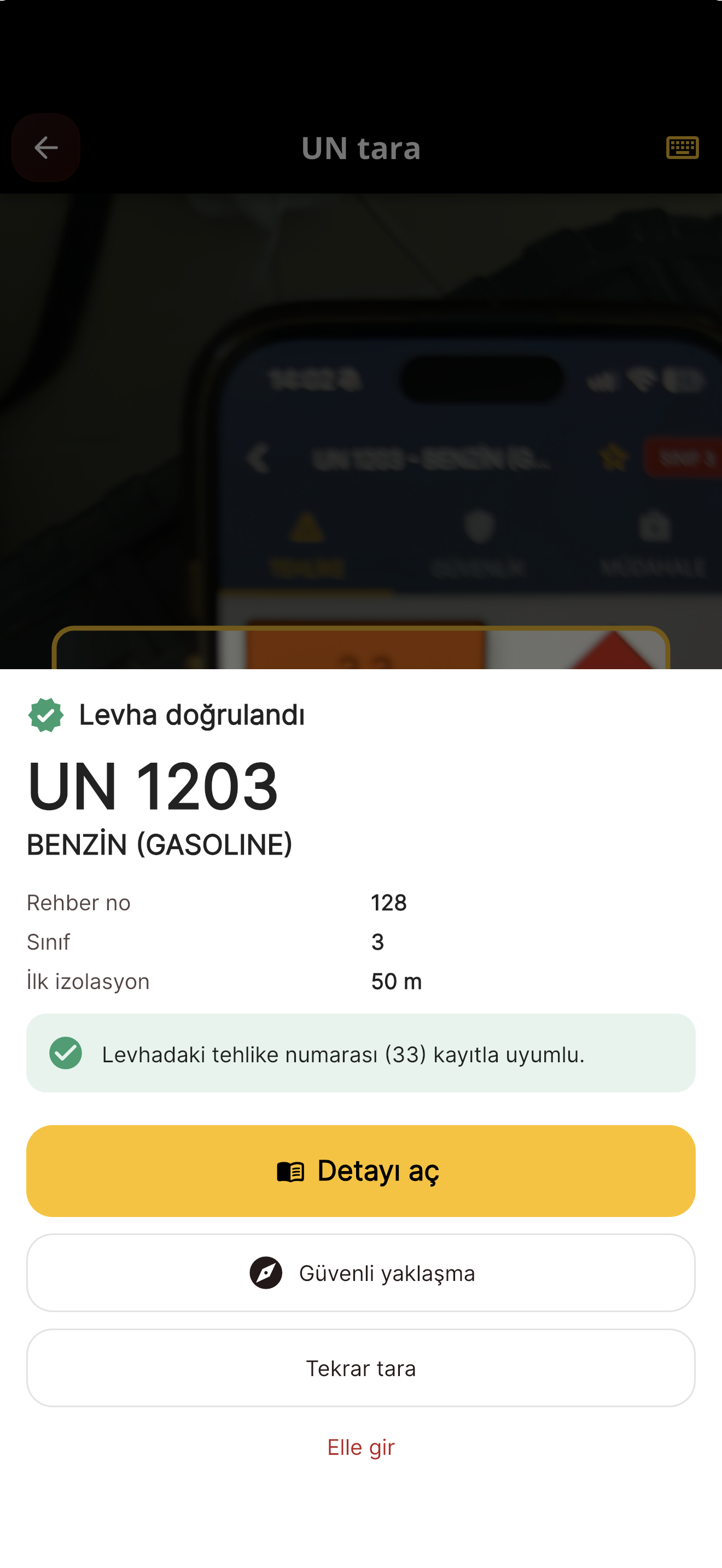
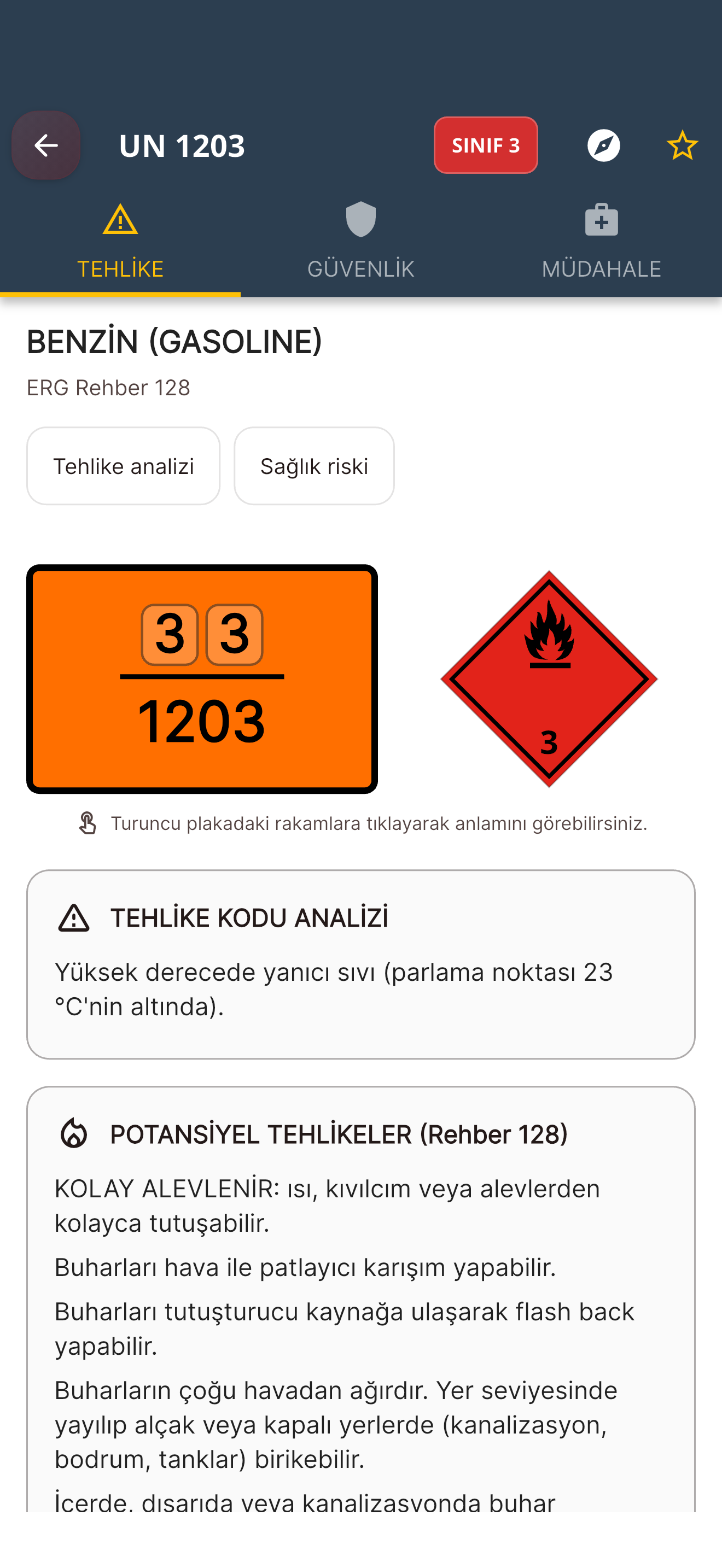
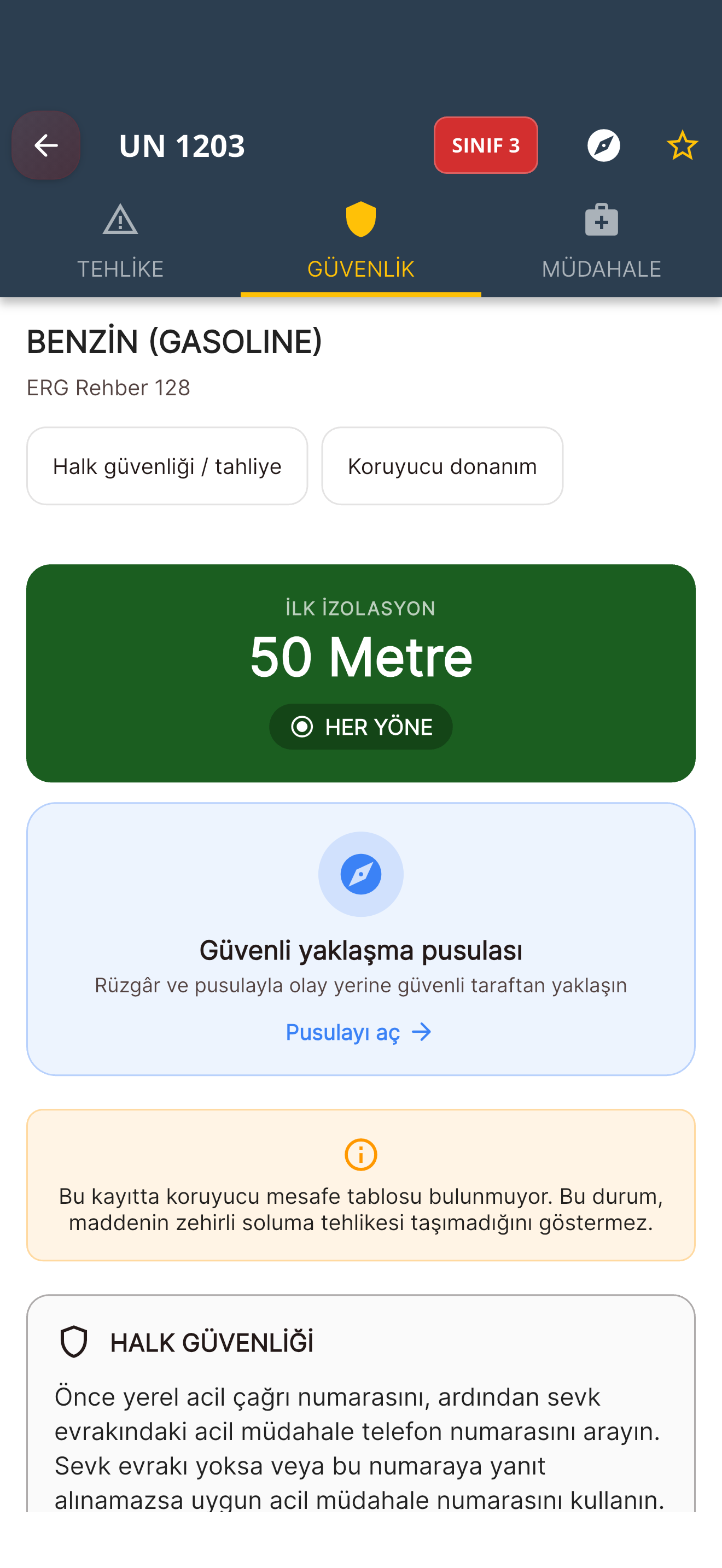
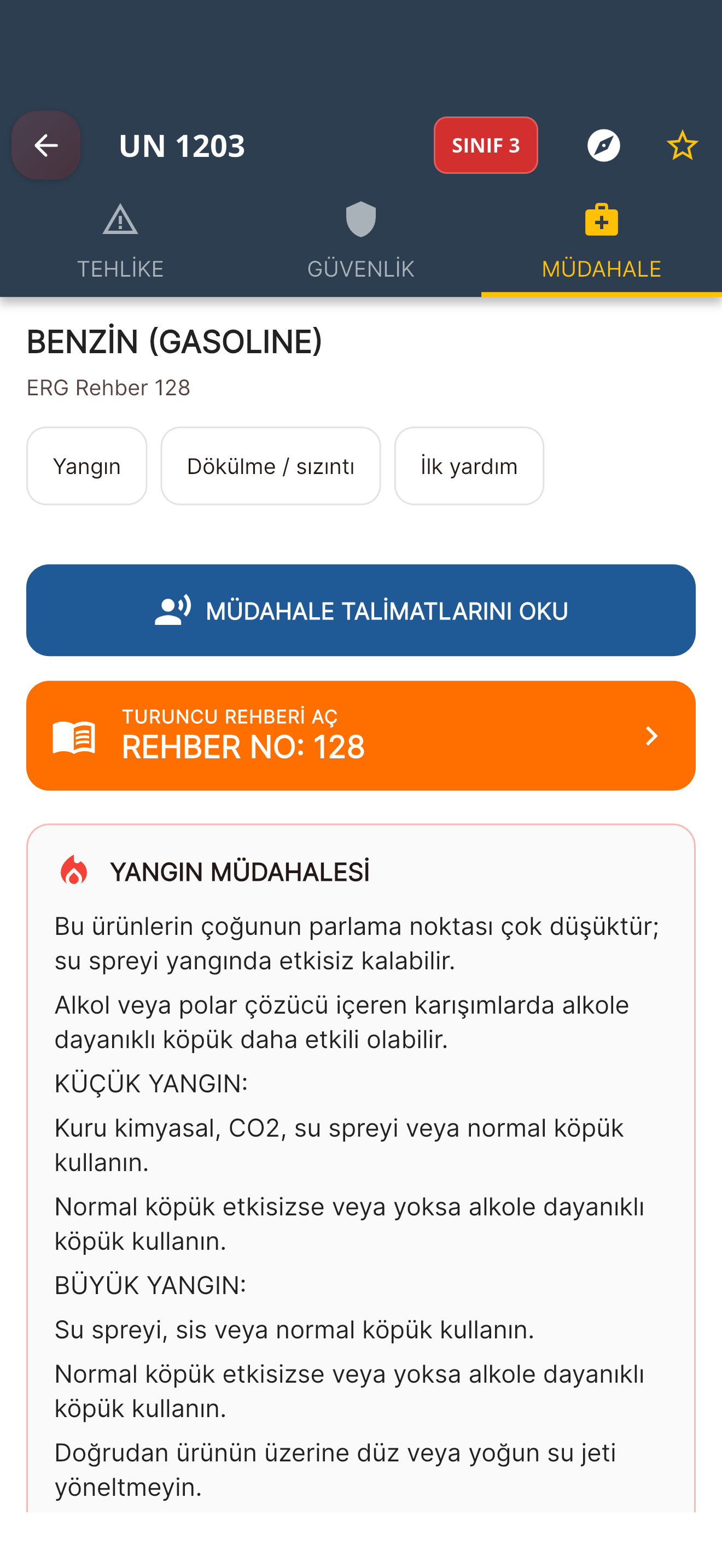
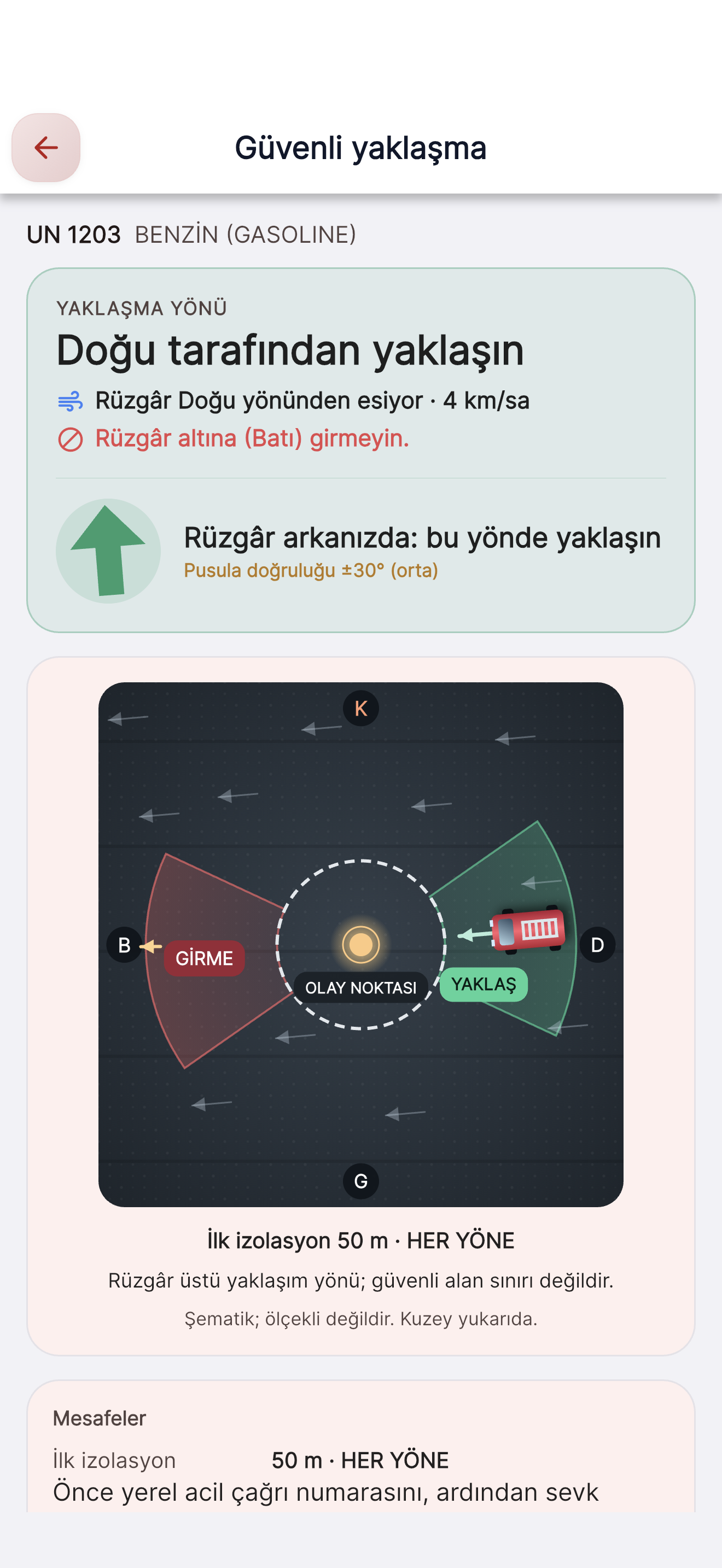
Start scanning with one tap using the UN SCAN widget on your home screen.
Open the camera with the UN SCAN widget on your home screen or from the app, and scan the UN code on the plate. Once the record opens, the Hazard, Safety and Response tabs and the wind-based safe approach compass guide you. You can also search by UN number or substance name; the app holds 2,570 substance records.
Try it: pick a UN number
331203GASOLINE (MOTOR SPIRIT)
Class 3 · Guide 128
Hazard number, class and guide number come from the app’s database; names are ADR proper shipping names. For reference only.
Camera reading depends on image and capture conditions. Check the code against the plate and follow your organisation’s procedures on scene.
Road collision · electric vehicle6 / 10
Identify the vehicle, know the high voltage.
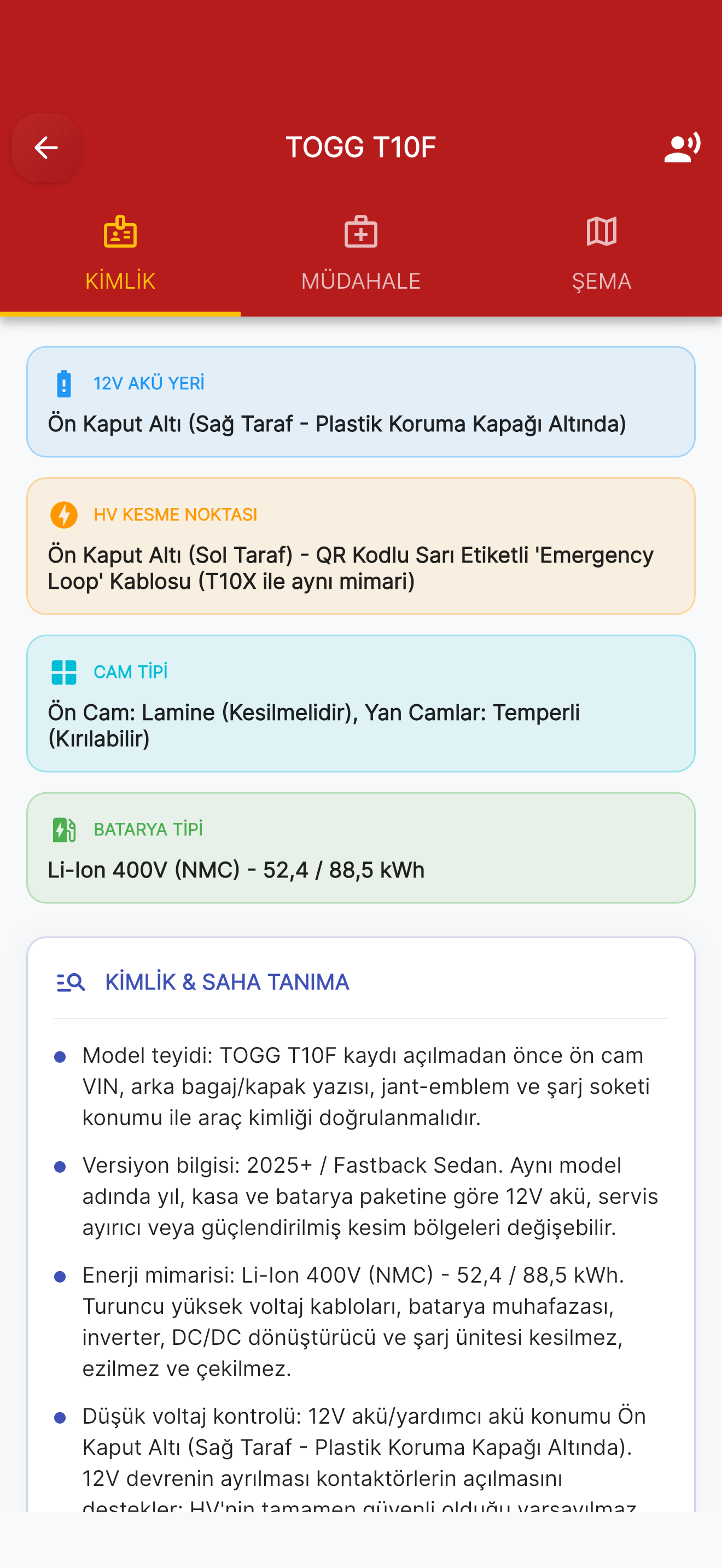
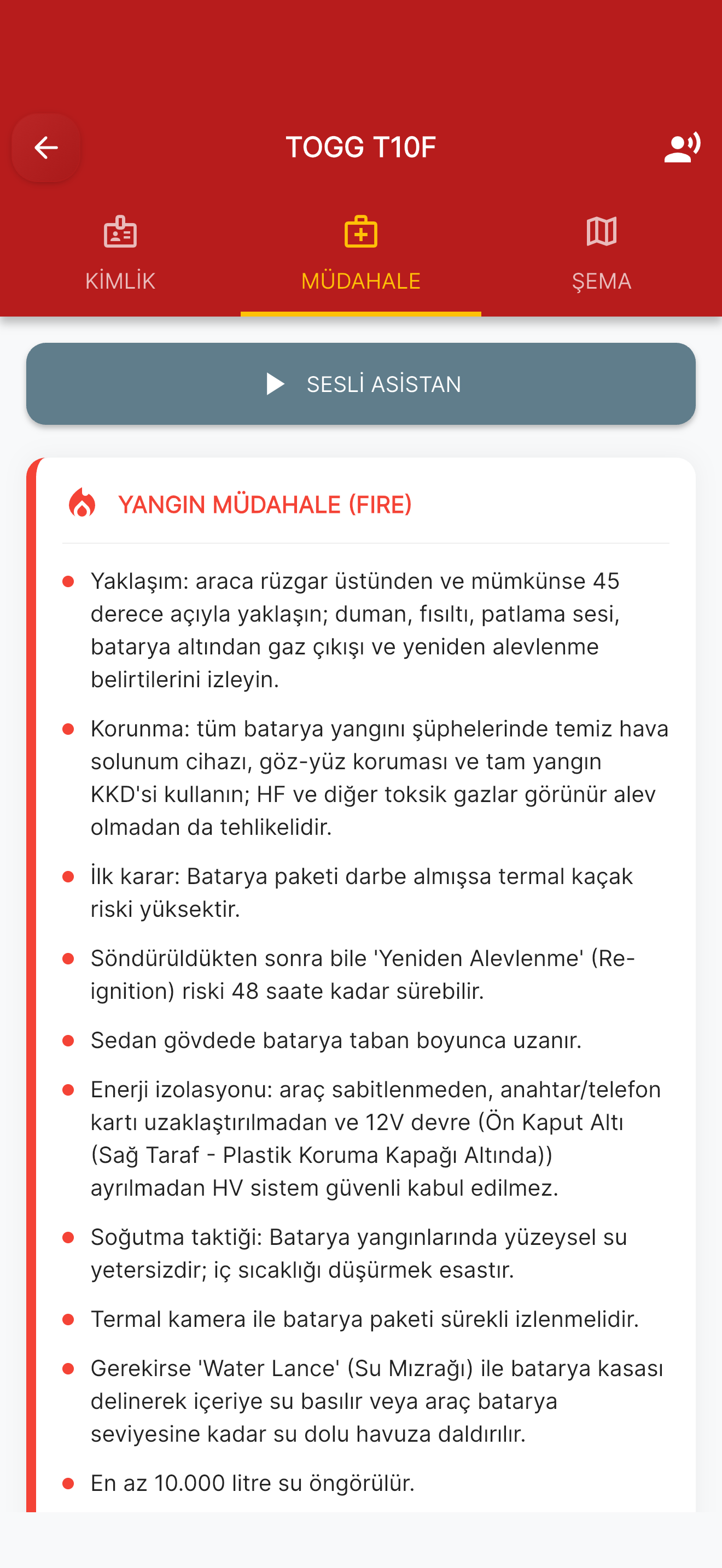
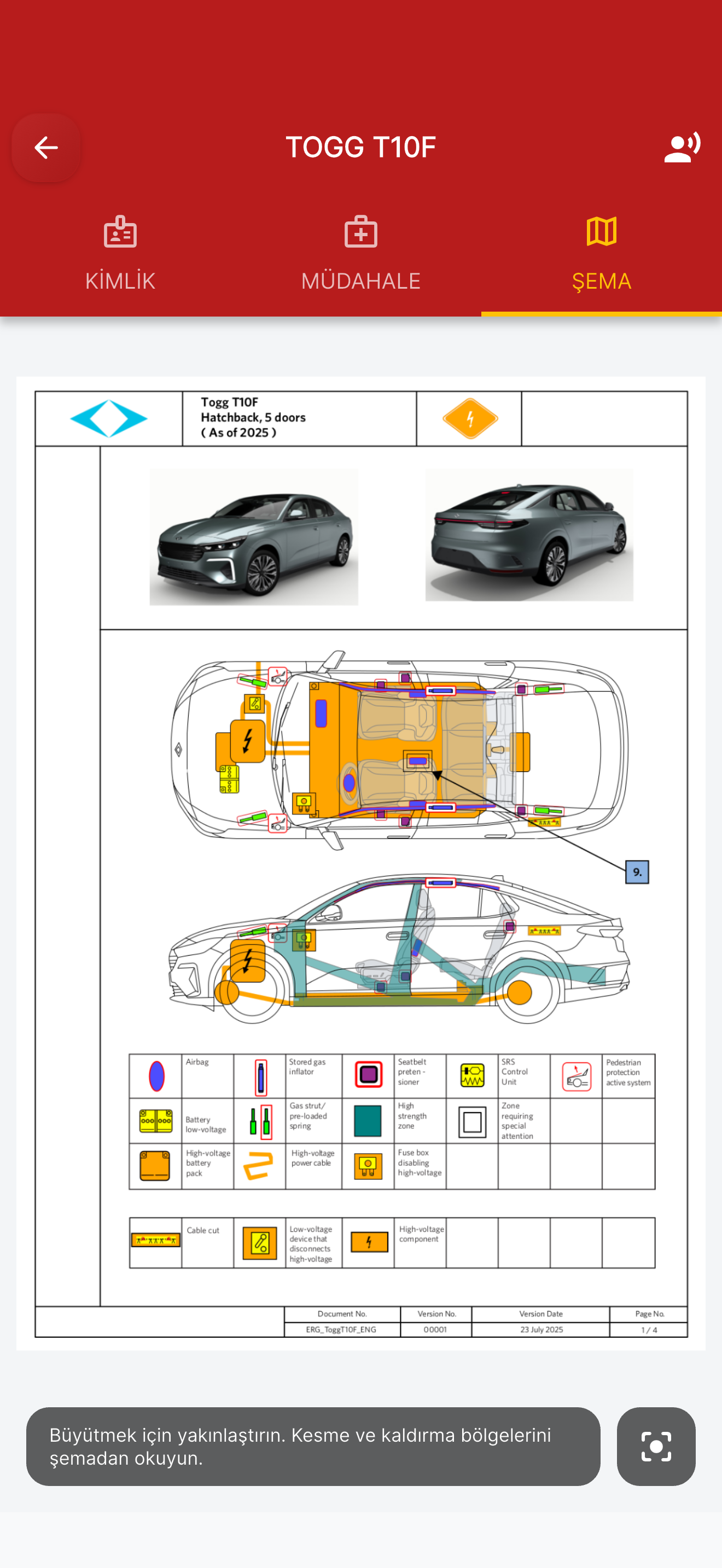
12V battery location, high-voltage disconnect point, glass and battery type; notes for identifying the vehicle.
74 electric and hybrid vehicle models from 31 brands: high-voltage disconnect point, 12V battery location, glass and battery type, risk notes. The information is based on manufacturer rescue documents and Euro Rescue sources.
Brands covered
- AUDI
- BMW
- BYD
- CHERY
- CITROEN
- CUPRA
- DACIA
- FIAT
- FORD
- HYUNDAI
- JAGUAR
- JEEP
- KIA
- LEAPMOTOR
- MERCEDES
- MG
- MINI
- NISSAN
- OPEL
- PEUGEOT
- PORSCHE
- RENAULT
- SERES
- SKYWELL
- SSANGYONG
- SUBARU
- TESLA
- TOGG
- TOYOTA
- VOLVO
- VW
Model coverage may change; current manufacturer rescue documents and your organisation’s procedures prevail.
Back at station7 / 10
Log your incident, get the report.
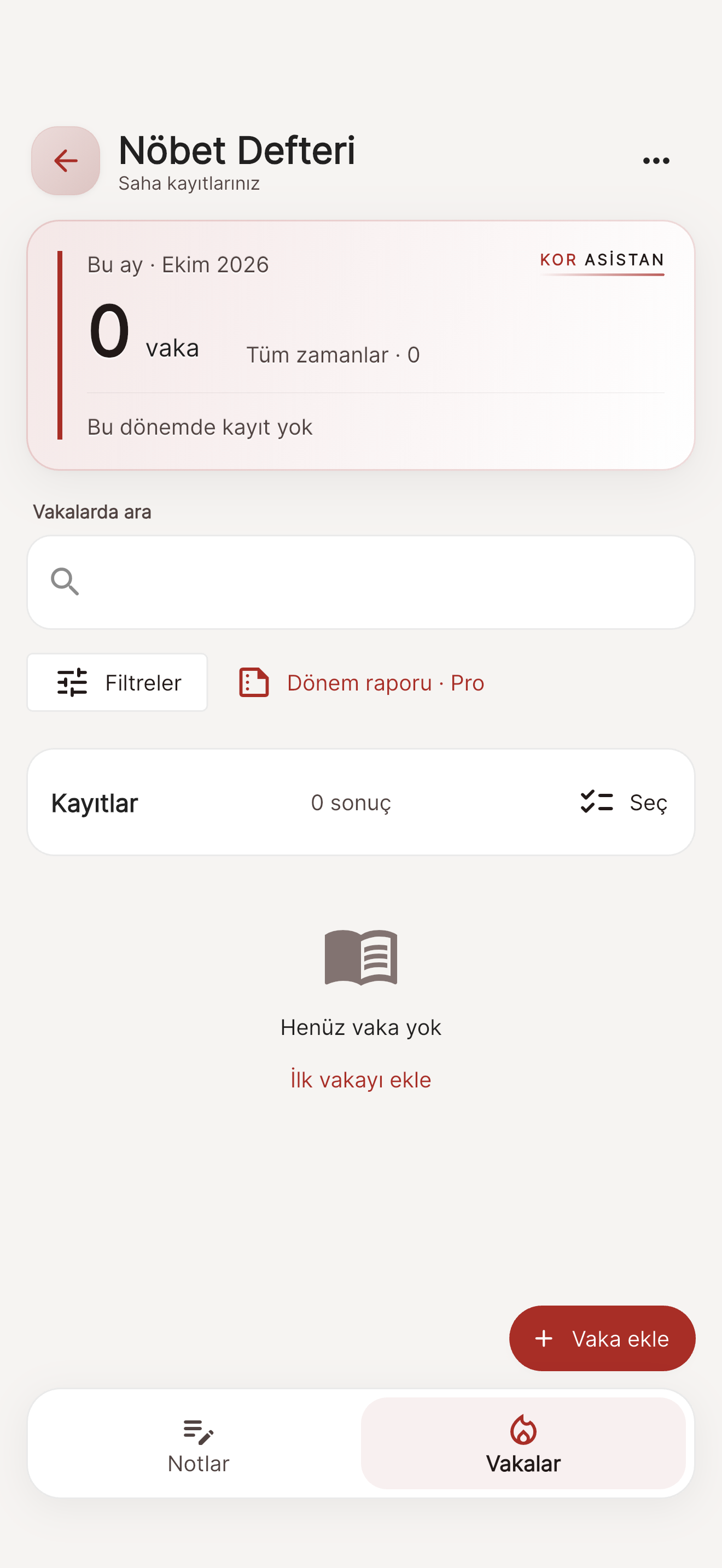
Keep notes and incident records separate, search and filter them. Create a PDF of a single record. Keep your daily entries and PDF exports in the Internship Logbook.
PRO Incident period reports with Premium.
Dinner8 / 10
The kitchen accounts are here too.
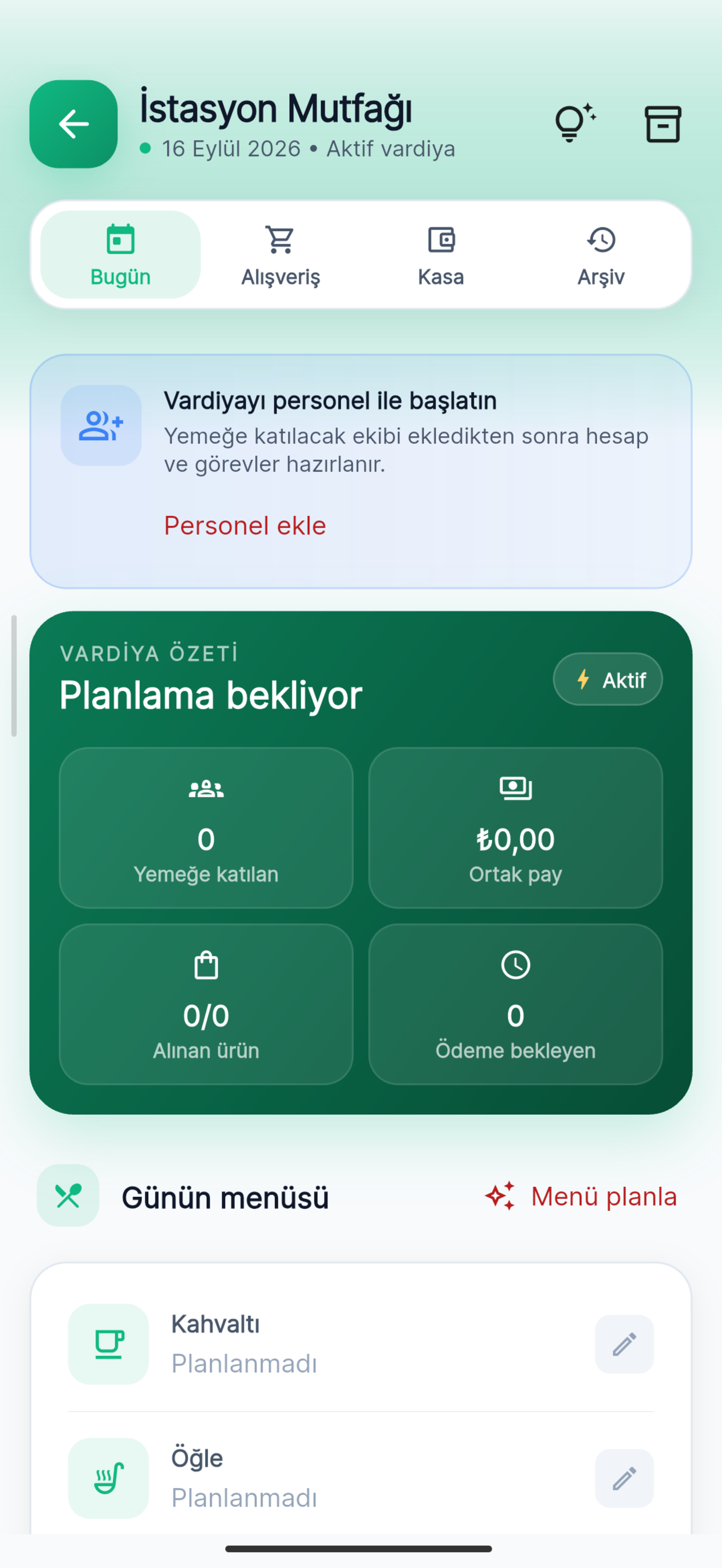
Add the receipt and capture the amount with the camera; split shared and personal expenses and see the per-person amount and the shift cashbook.
Per personNight9 / 10
Study when the shift quiets down.
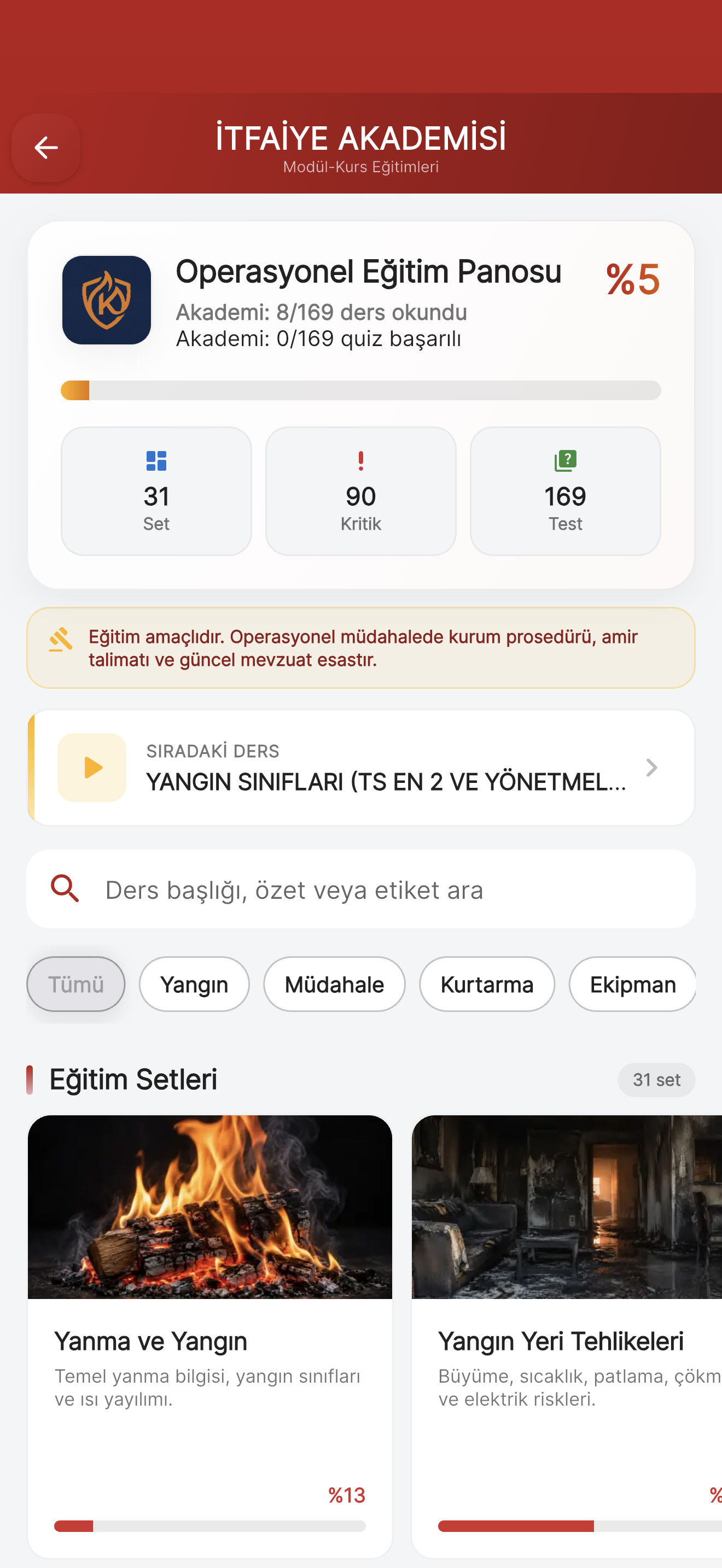
Lessons and short quizzes in the Academy, plus rope references. Professional terminology, drills and weekly rankings in KOR Arena. Try scenarios in First 3 Minutes, Read the Smoke and Terminology Drill.
PRO Promotion Exam Pro: sourced questions for three ranks, mock exams and oral exam practice.
Family10 / 10
Your family knows too.
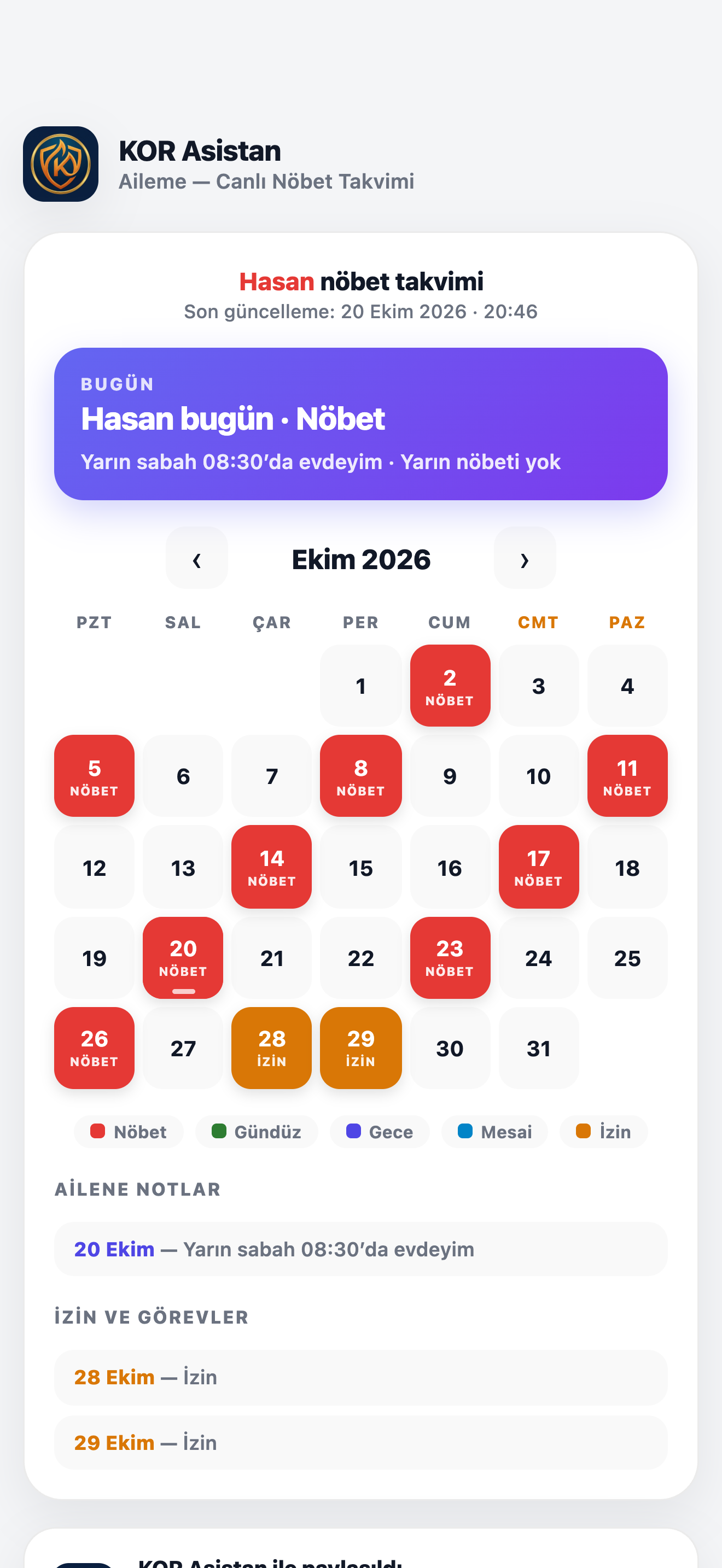
With Aileme, share your shift and leave plan through a private link. Create a separate link for each person, choose how much they see and see who has viewed it. The person opening the link does not need the app or an account.
PRO With Aileme Pro.
The family page in the image is the real page; the name and shift details are sample data.
What’s in the app?
Five tabs, everything in its place.
Laid out like the app’s bottom menu. Tap a tab to see what’s inside.
Calendar — Your working days and rest days at a glance.
Shift calendar
24/48, 24/72, 12/48 and 12/24 patterns; your group and your start time.
Shifts, leave, duties and notes
All in the same calendar; review your month in the Duty Report Card.
Home screen widgets
Live Duty and Monthly Calendar are free; Premium adds richer details.
KOR Şafak
Wake-up alarm based on your shift.
Smart Calendar ProPRO
Agenda, analysis, planning and shift and leave trends for the last six months.
Advanced remindersPRO
Preset 12/6/2-hour and custom shift reminders.
PDF and reportsPRO
Share your calendar as a clean image or a PDF report.
My Garage — Your station’s vehicles and equipment.
Vehicles and inventory
Vehicle, equipment, bag and cylinder records.
Assignments, faults, handover
Record shift handovers and faults.
Setup and handover package
Transfer your station setup by QR code or file.
My Garage ProPRO
Readiness score, vehicle risk summaries, 20 setup packages a month.
Home — Today’s plan on one screen.
Duty status
On duty or off duty, and how long until your next shift.
Weather
Weather for where you are.
Plans and summaries
Today’s plan and reminders as cards.
Community — Your colleagues, your crew and your family.
KOR Community
General chat, news, incident experience, training and exams, marketplace, shift swaps, mutual aid.
TİM
Task and status notifications.
Earthquakes
Recent earthquake records.
AilemePRO
Share your shift and leave plan through a private link.
Field — Everything you need on scene and in training.
Chemical · HAZMAT and ADR
UN codes read by camera; 2,570 substance records; ADR plates and hazard classes.
E-Vehicles
Rescue references for 74 electric and hybrid models from 31 brands.
Pump
Pressure and flow estimates.
Cylinder Tracking
Air management simulation based on the values you enter.
Navigation Panel
Offline compass and position: coordinates in four formats (DD, UTM, DMS, DM) with the GPS error margin (±m); vehicle and on-foot modes; share a map link with one tap once you have signal.
Prevention
Fire safety topics, checklists and preliminary calculations.
Academy and Ropes
Lessons, short quizzes and rope technique references.
KOR Arena
Professional terminology, drills and weekly online rankings.
ExamPartly Premium
Exam Center; rank-specific content with Promotion Exam Pro.
Logbook and Internship Logbook
Notes and incident records, PDF exports.
Kitchen
Receipts, shared and personal expenses, per-person amounts, shift cashbook.
Turkish, English, German and Bulgarian.

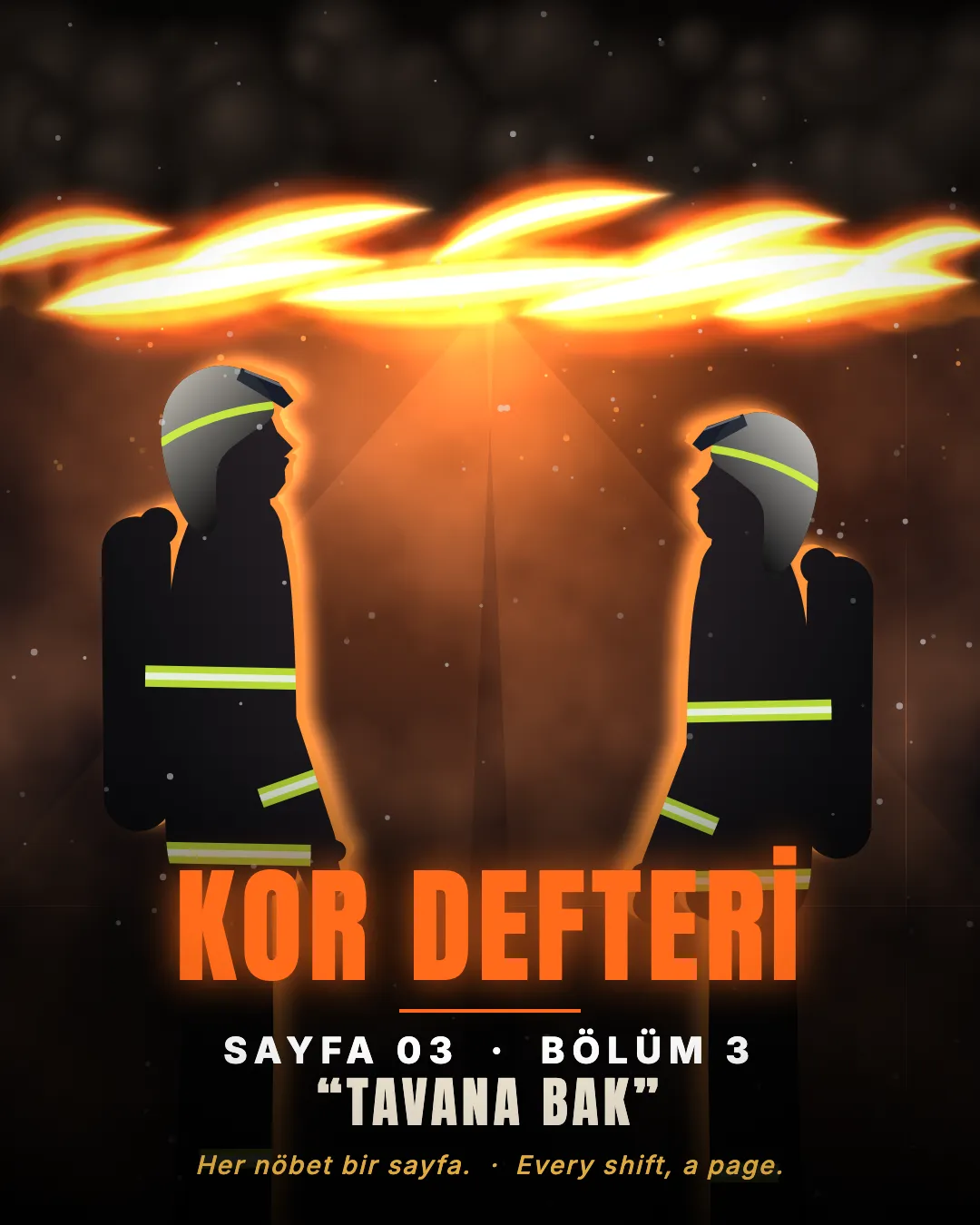
A firefighting series
KOR DEFTERİ
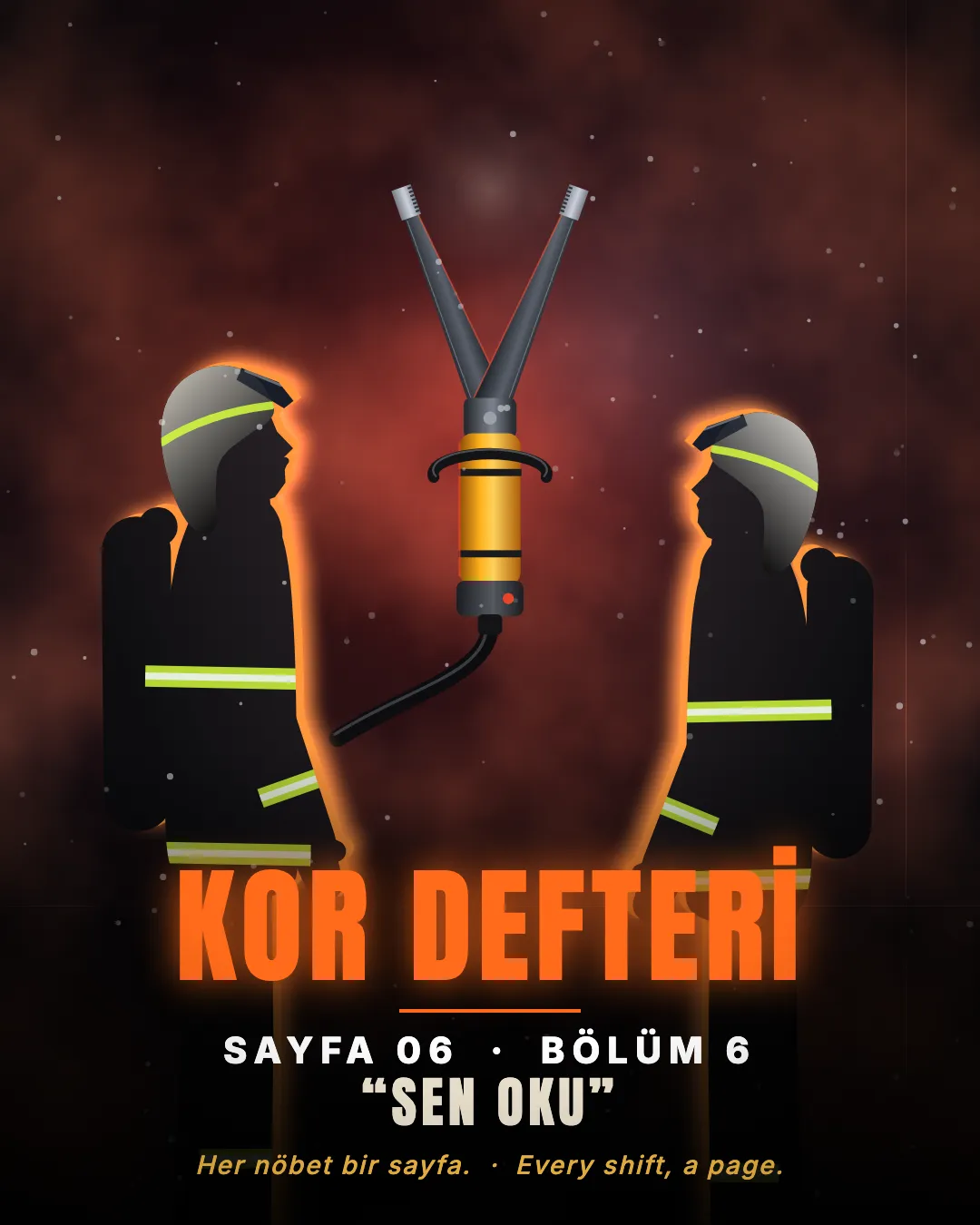
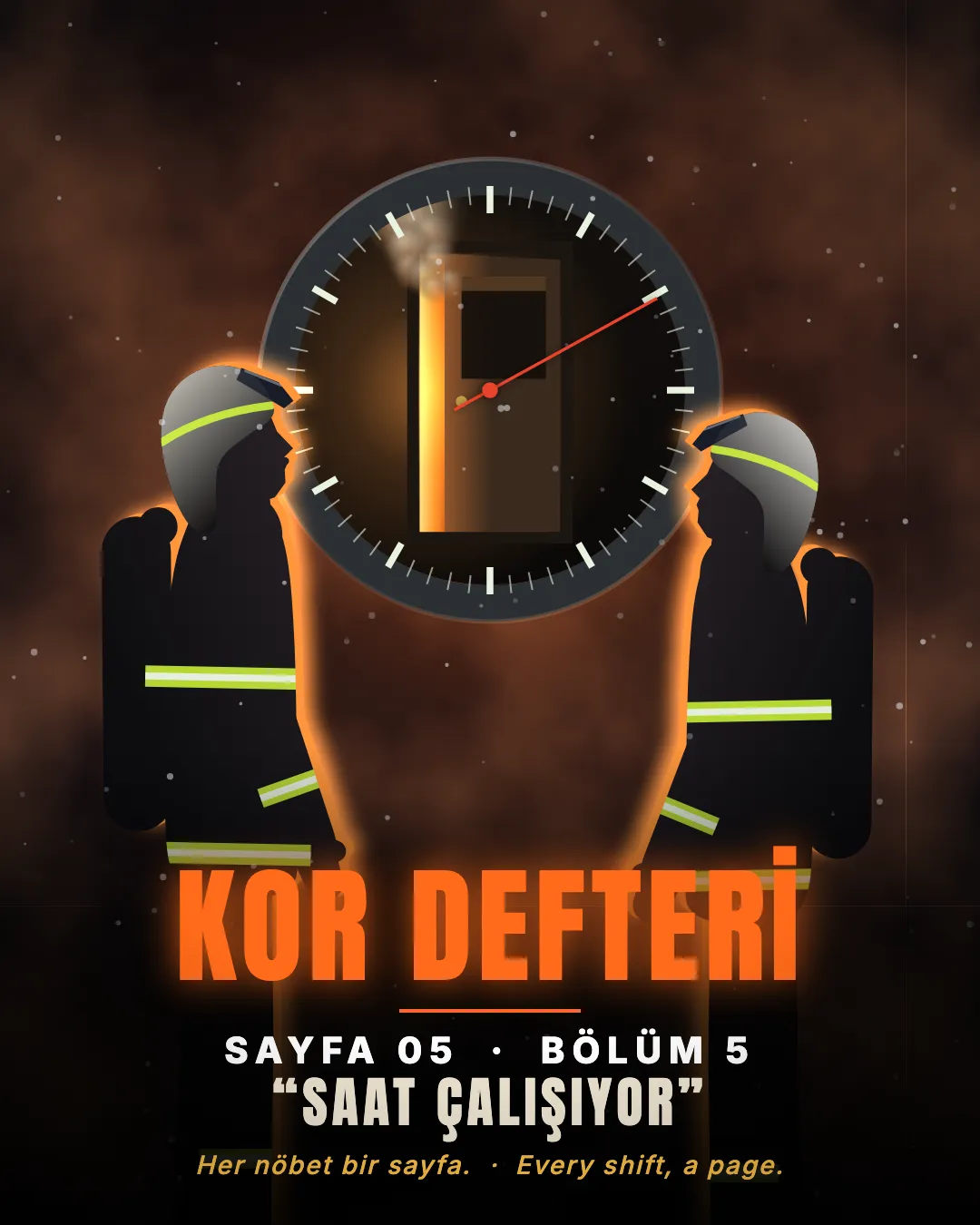
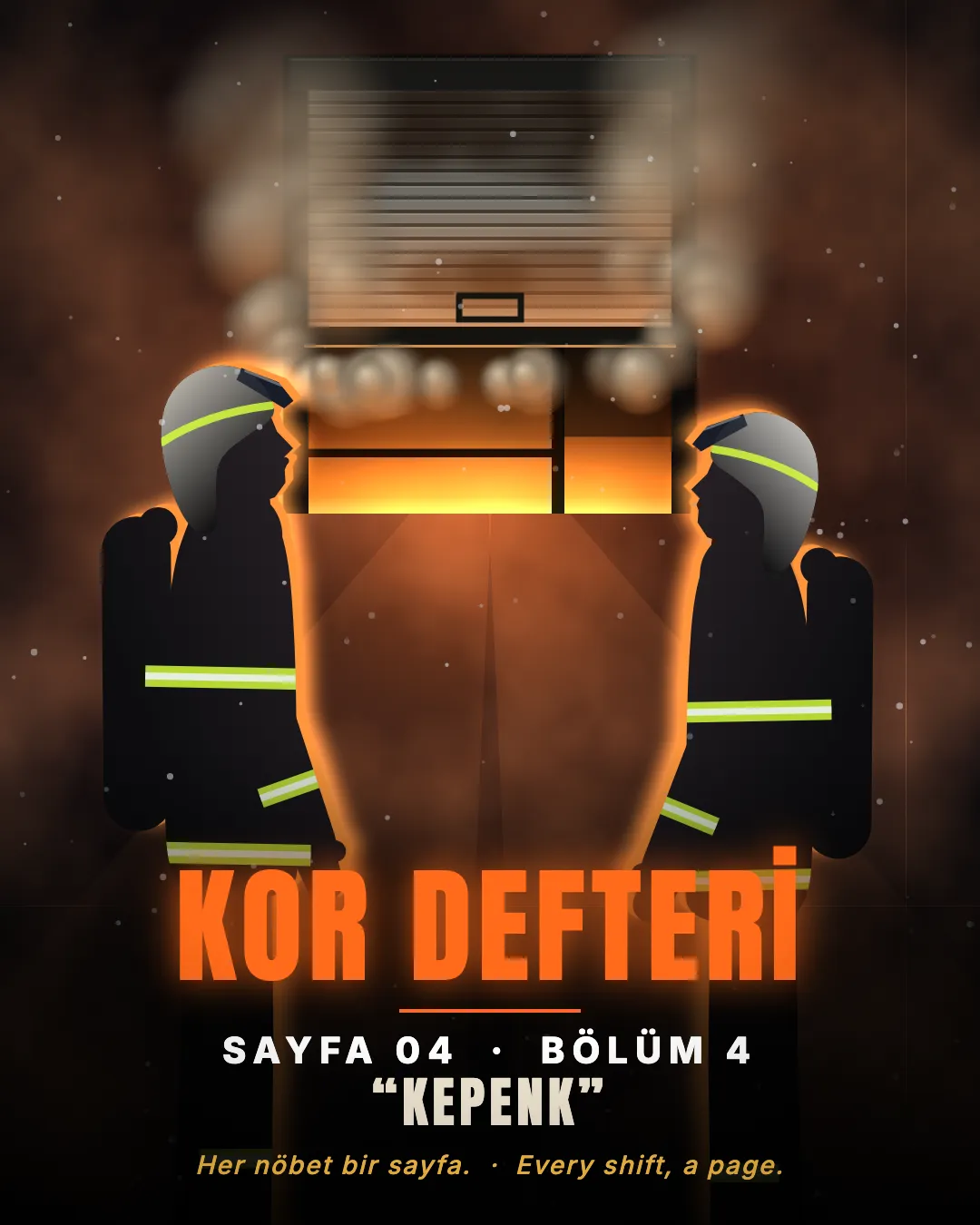
Every shift, a page. Fictional stories, sourced knowledge: reading hazard plates, smoke, flashover, backdraft.
FAQ
Frequently asked questions
Is the app free?
KOR Asistan is free to download. The basic calendar, My Garage, notes and incident records and two basic widgets are free. Premium is a monthly or yearly subscription that you can cancel anytime through the App Store or Google Play.
Which shift systems are supported?
24/48, 24/72, 12/48 and 12/24. You choose your system, your group, a day you know you were on duty and your shift start time; the calendar is created automatically. For different local patterns, use Settings › Shift Cycle.
Why am I not getting shift notifications?
Notifications must be allowed on your phone. In the app, also make sure Notification Settings is turned on under General Settings.
Do I need an internet connection?
The shift calendar and many basic tools on the device work offline. KOR Community, TİM, KOR Arena’s online league, Aileme links, account sync and store purchases need an internet connection.
Do the widgets need Premium?
No. The Live Duty and Monthly Calendar widgets are free. Premium adds leave and incident markers, special days, theme colours and a richer summary.
How does Aileme work?
With Aileme Pro you share your shift and leave plan through a private link. The person opening the link does not need the app or an account. You can create a separate link for each person, choose how much they see, and switch off or renew a link at any time.
Can I use Premium on both platforms?
When you sign in with the same KOR account, your verified Premium entitlement is linked to your account. Purchases and restores are verified through the App Store or Google Play.
How does KOR Şafak work?
KOR Şafak sets your wake-up time based on your shift and your preparation time. The Normal Duty alarm is free. AlarmKit features require iOS/iPadOS 26 or later; notification mode on earlier versions is limited.
Is my location shared?
Only in a TİM notification and only if you allow it: the last location at the time of the notification is shared. There is no continuous location tracking.
Which languages is the app available in?
Turkish, English, German and Bulgarian. Regulations and promotion exam content are specific to Türkiye.
Does the field information replace official sources?
No. Field and training content is for reference only; your organisation’s procedures, official documents and expert judgement prevail. Calculations and simulations do not replace physical measurements.
Is there a solution for organisations?
Yes. For fire services we set up vehicle and inventory management, shift handover, a web management panel and reporting tailored to your organisation. Just write to info@korasistan.com.